Connect your broker.
Once linked, Maven answers questions about your actual holdings — what you own, how it is allocated, where the concentration sits — grounded in your real portfolio, not a hypothetical one.
Yours is probably here.
Two live today, four on the way — every connection read-only, made on your broker’s own login page.






From market research to your portfolio.
Four steps from reading the market to grading what you actually hold.
Regime, sectors, why a stock moved.
Disciplined model books to measure against.
Maven hands you to your broker's own OAuth screen; approving returns a scoped access token.
Today's P&L, results due, concentration — computed from YOUR positions.
Three quiet things happen the moment you link.
Symbol, quantity, average buy price — pulled once you approve, refreshed on reconnect.
Access tokens are AES-encrypted against your Maven account. Your broker password never touches Maven.
Ask AI switches from generic market context to answers grounded in your actual stocks.
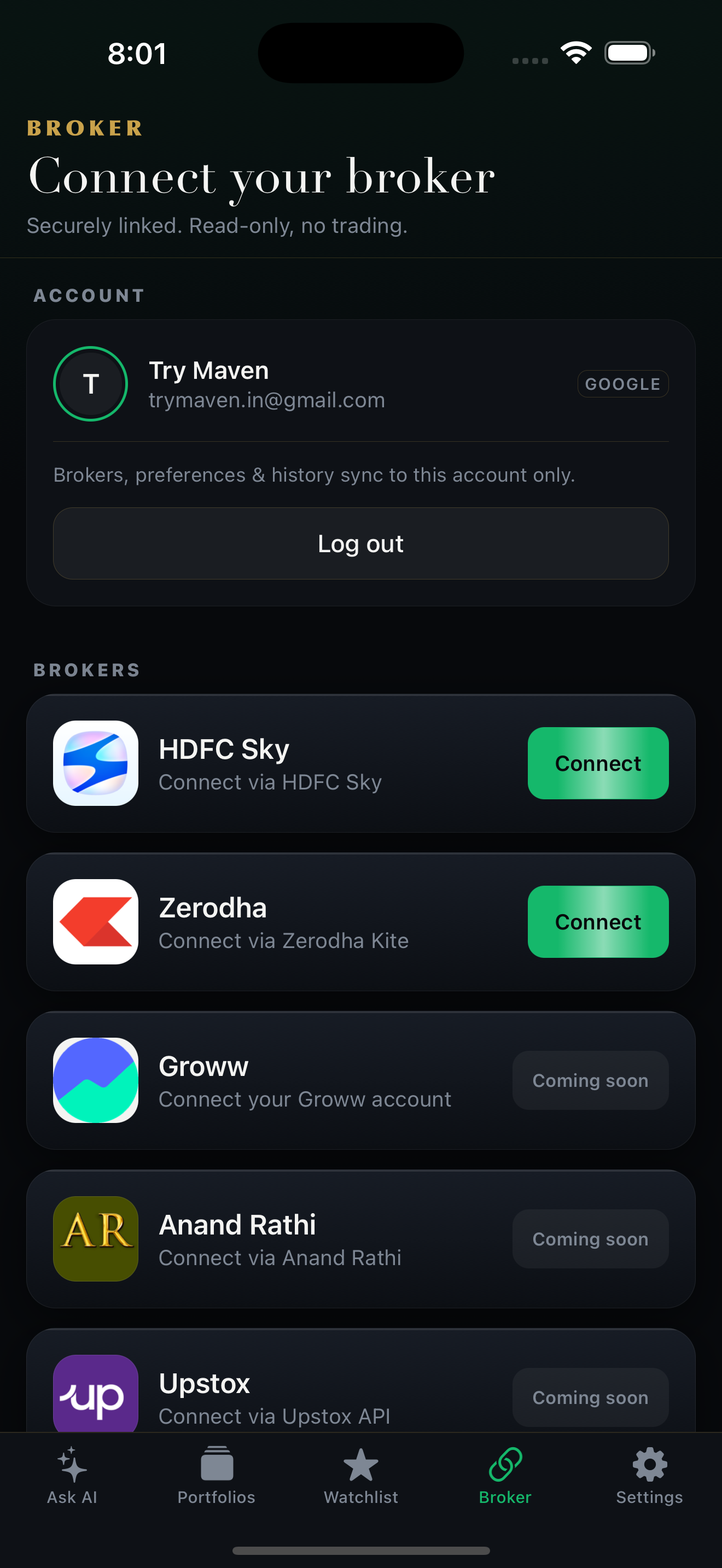
Connecting happens in the Maven app.
Read-only. Maven can see your holdings — never trade or move funds.
Tokens AES-encrypted · SEBI-mandated daily expiry
Ask Maven about your portfolio.
Continue with GoogleResearch tool. Not investment advice. Paper-traded results, not real money.